


Apple iOS iPhones for Adjuncts only
To access NSU email on an Apple iPhone, Mobile Application Management (MAM) on Microsoft Authenticator is needed only on iPhones.
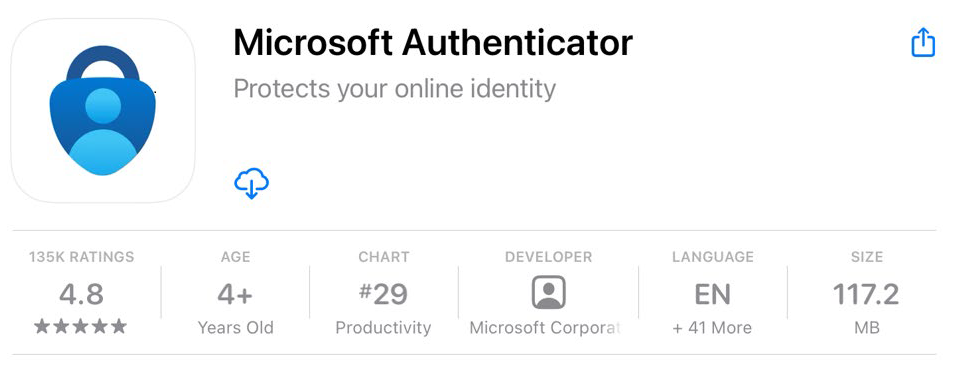
- Install the Microsoft Authenticator app (skip if you already have it installed).
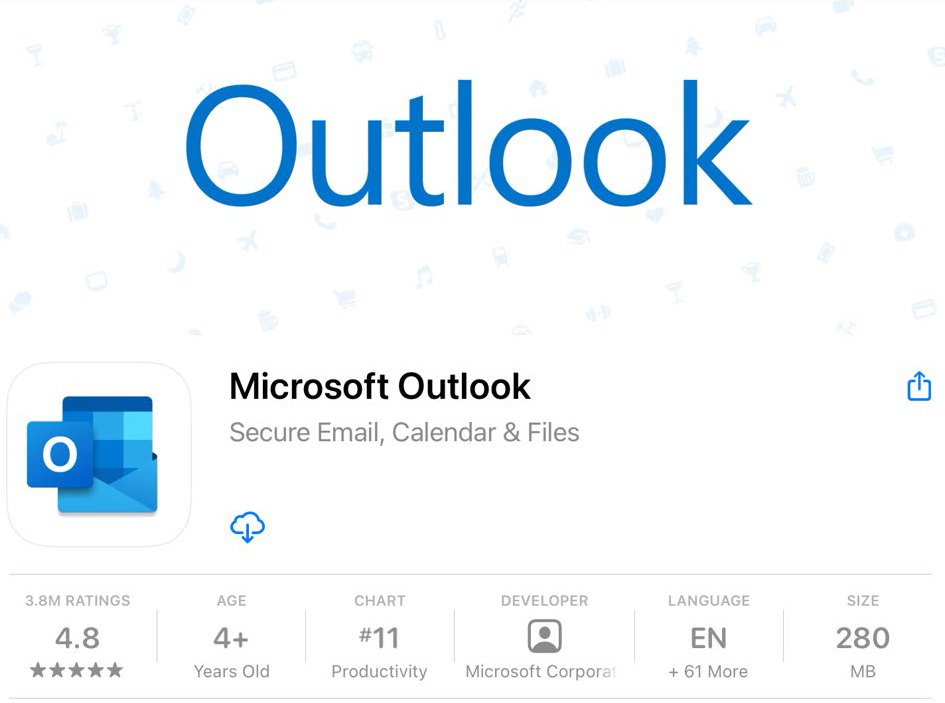
- Download / Install the Outlook to access email.
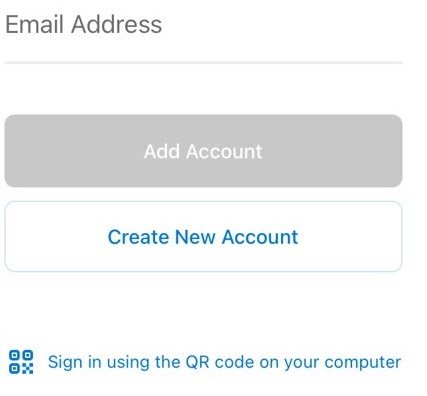
- Enter your NSU email and password.
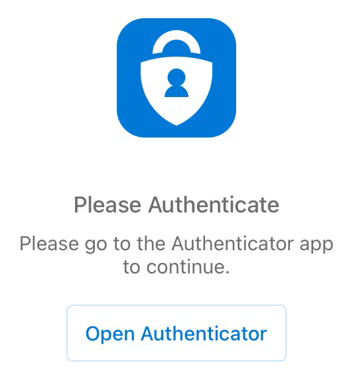
- Select “Open Authenticator.” This will open the Authenticator app and bring you back to your email.
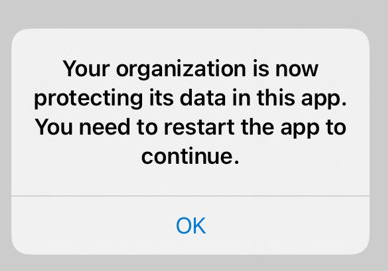
- Click OK on the warning.
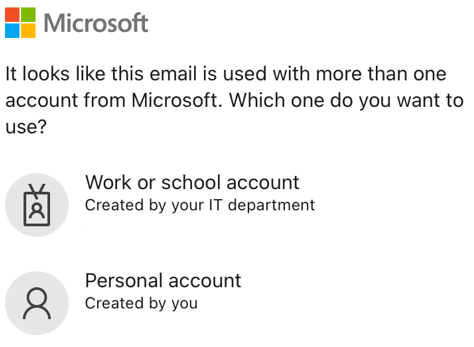
- Select “Work or school account” and sign in.
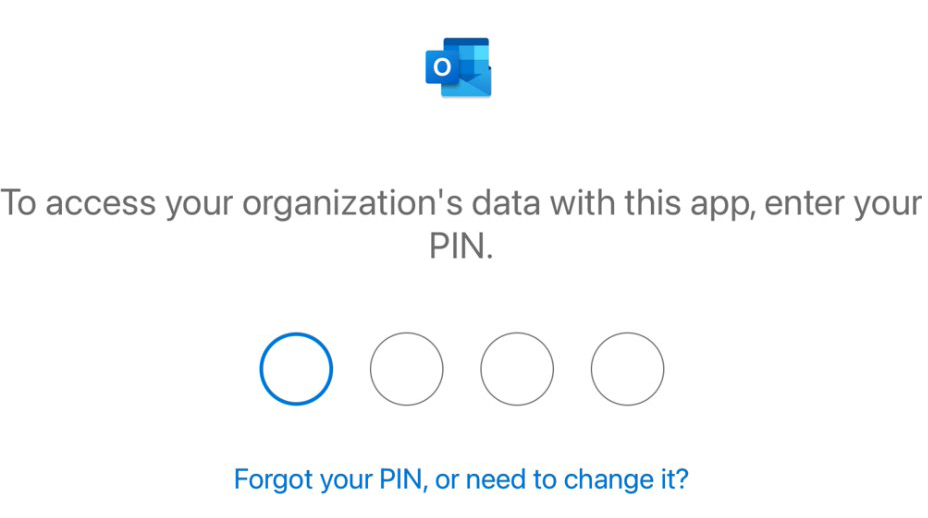
- Set a PIN to access your application.
SharkLink
SharkLink is NSU's online portal. With a single username and password, students, alumni, faculty, and staff members can easily access many online university applications.
Quick Guide
Students (PDF)Microsoft Online Archive
Faculty and Staff (PDF)
Current Hours of Operation
Monday-Friday: 8:30 a.m. – 5 p.m.
Saturday: Closed
Sunday: Closed
Closed on University Holidays
Holiday Schedule
Help Number for Students:
(954) 262-4357
Toll Free:
800-541-6682 ext. 24357
Help Number for Staff:
(954) 262-0070